The app shows real-time status, live data, and historical performance for each device, alongside simple per-device controls to set your preferences once and let the algorithm do the rest.
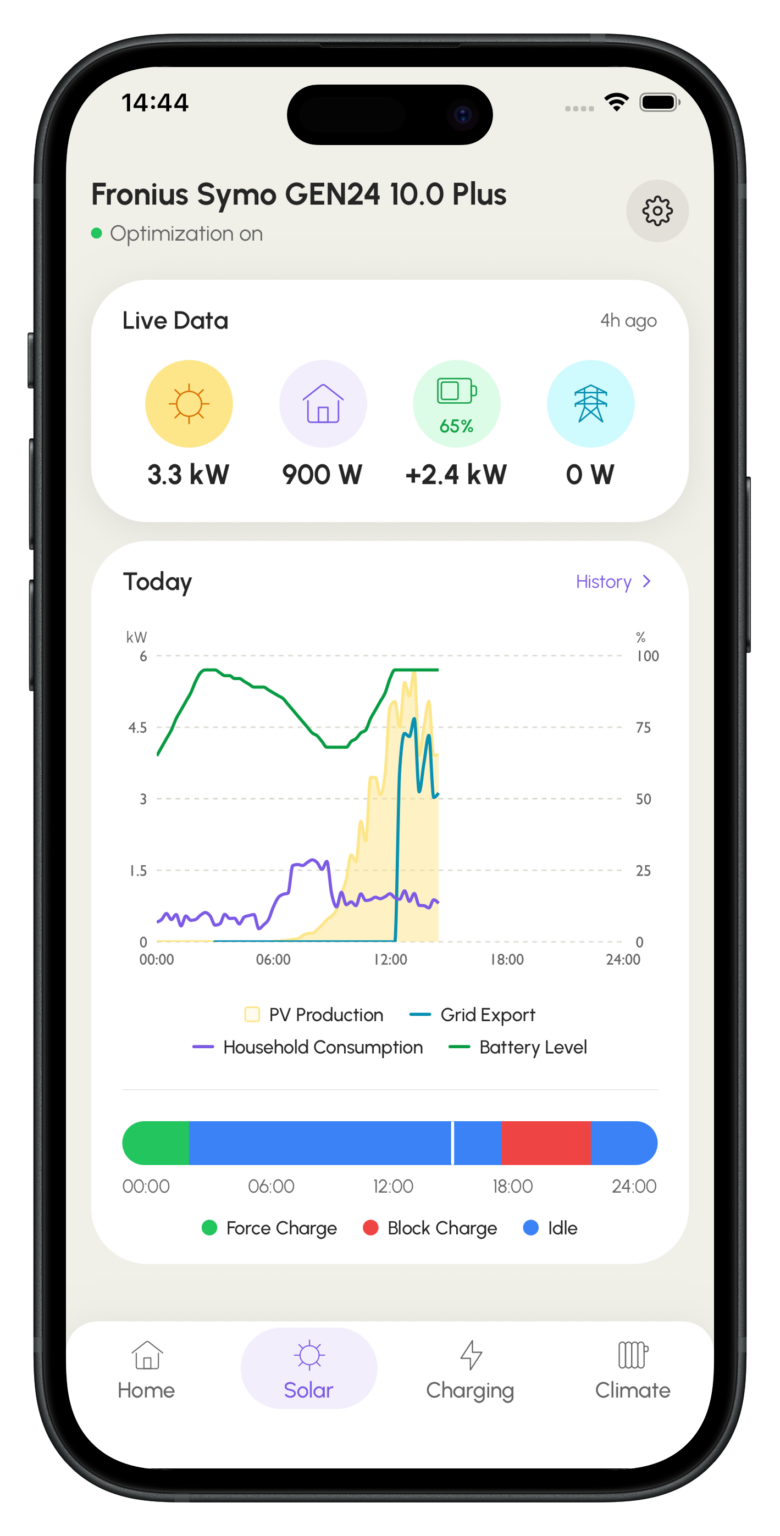
PV Plan View
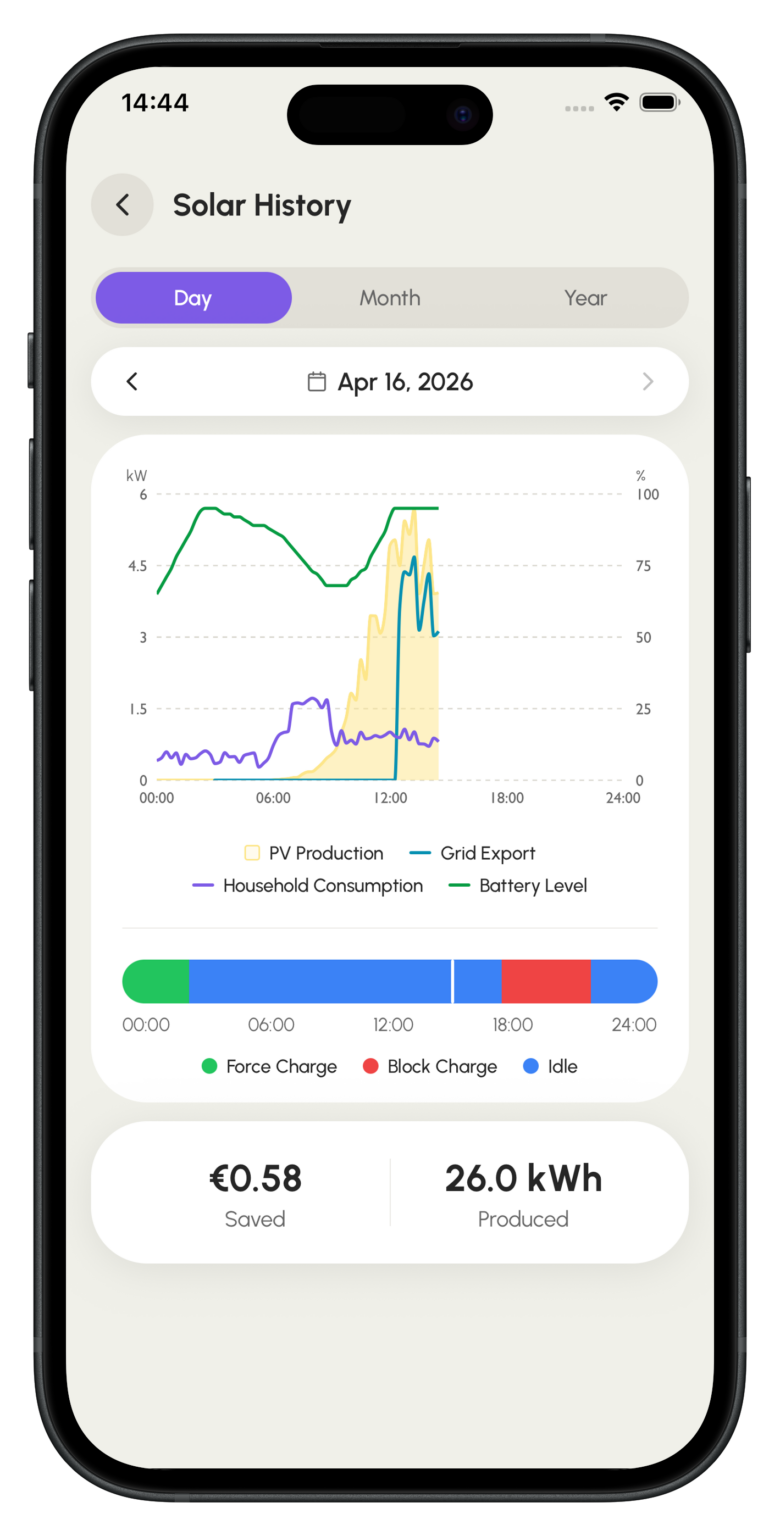
Solar History
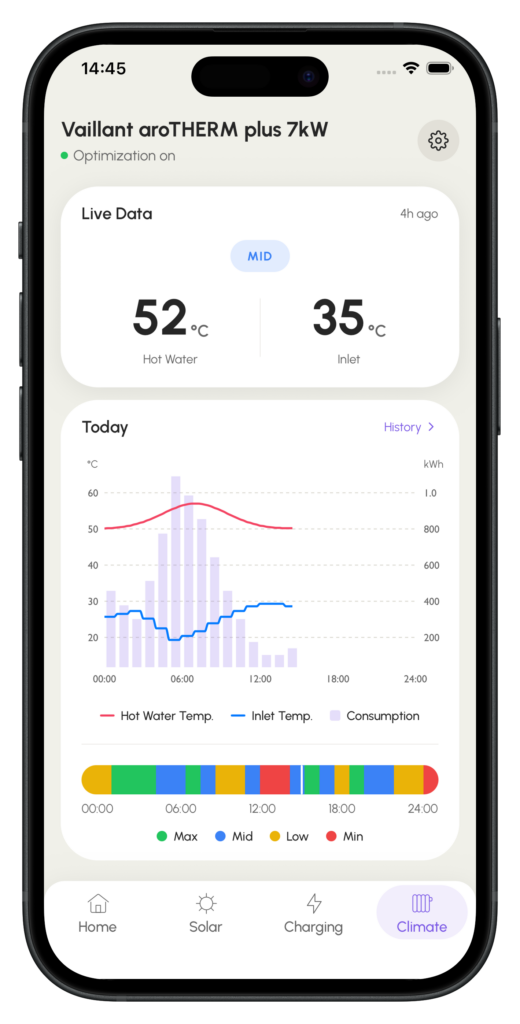
Heat Pump Schedule
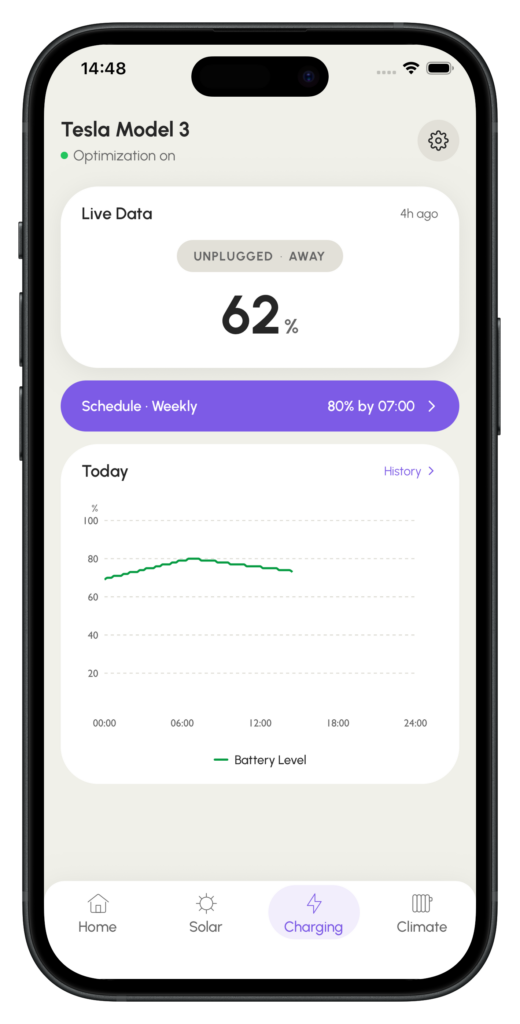
Battery Charge Plan
See your device’s schedule up to a day in advance, know exactly when a heat pump will run in Max, Mid, Low, or Min mode, or when a battery’s charge windows are planned. Full visibility into what the algorithm is going to do, not just what it already did.
The home screen shows the previous month’s savings, live optimization status, current price level, and each connected device in one view.
Tap any device for full detail.
A per-device metric showing how much of each device’s potential you’re actually unlocking. The app surfaces targeted recommendations alongside the score, for example, nudging an EV owner to plug in more overnight to access lower prices.
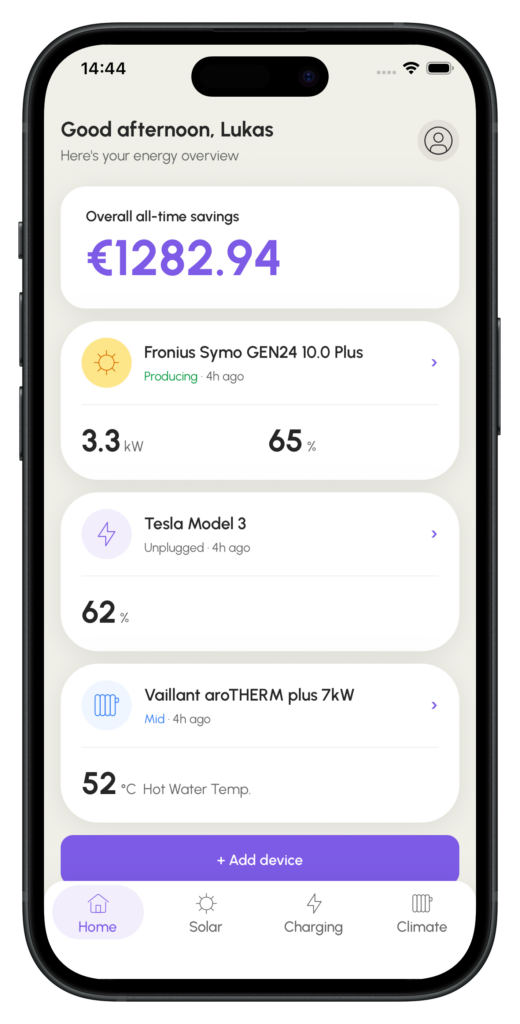
Sign up independently or accept an invite from your utility. Onboarding a device takes just a few minutes.
Explore how Podero enables day-ahead and intraday flexibility trading, and check out how to monitor it through our trading dashboard.
We use cookies to make your interactions with our website more meaningful. They help us better understand how our website is used, so we can tailor more relevant content for you. For more information about the different cookies we are using, change your cookie preferences, or to read our Privacy Statement, please click the Consent Manager button. Your choices will apply only to your current browser and device.